







Teams Phone SMS: What Microsoft's Native Texting Can and Can't Do
By Jack Pender
- Published: August 13, 2026
Free Microsoft Teams SMS Integration Whitepaper
For years, the answer to “can I text from my Teams number?” was no. That changed. Microsoft now supports Teams Phone SMS on Microsoft Calling Plan numbers, and the messages land right in the Teams chat list on desktop and mobile.
If you run IT for a company that already lives inside Microsoft 365, this is genuinely good news. It also comes with a set of constraints that most write-ups skip entirely, and those constraints decide whether native Teams SMS texting is enough for your business or a dead end you will migrate off in six months.
This guide covers what Microsoft actually shipped, the licensing and registration you need, what each message segment costs, and the specific limits that push most teams toward a Microsoft Teams SMS integration instead.
If you have already decided you want texting on your Teams numbers and just need the implementation steps, start with our Microsoft Teams SMS setup guide instead. This page is narrower on purpose: it evaluates Microsoft’s native Teams Phone SMS feature on its own terms.
In this article:
Does Teams Phone Have SMS? Yes, With Conditions
Microsoft Teams Calling Plans support sending and receiving SMS inside Teams chat for users in the United States, Puerto Rico, and Canada. According to Microsoft’s own planning documentation, the capability is still rolling out for general availability, and Microsoft notes that campaign and brand approvals are taking longer than usual because of request volume.
Three details matter more than the headline:
- It only works on Microsoft Calling Plan numbers. If your Teams numbers come through Microsoft Teams Direct Routing or Operator Connect, native Teams SMS does not apply to them. That rules out a large share of enterprise Teams Phone deployments on day one.
- It is US, Puerto Rico, and Canada only. Teams users sending or receiving SMS outside those regions are not supported, and the recipient’s number has to be regionally assigned to the US or Canada too.
- Every message is treated as A2P. Microsoft classifies all SMS to and from Teams as business, non-consumer, application-to-person messaging. That means it routes over the 10DLC network, and that means registration.
So the honest answer to “does Teams Phone have SMS” is yes, if you buy Microsoft Calling Plans, operate in North America, and complete a 10DLC registration first.

What You Need Before You Can Send a Single Text
Native Teams SMS texting has a stack of prerequisites. Every user who needs to text has to have all of them.
| Requirement | Detail |
|---|---|
| Teams license | Standard Microsoft Teams license |
| Teams Phone license | Required for any PSTN capability |
| Microsoft Teams Calling Plan | Inbound and outbound SMS is included in the plan for supported regions |
| Assigned phone number | A Calling Plan phone number, assigned to the user |
| Enterprise Voice enabled | Toggled in the Teams admin center or via PowerShell |
| Approved TCR brand | Company identity, validated by The Campaign Registry |
| Approved TCR campaign | Your stated messaging use case, approved by carriers |
To voice enable a user in the Teams admin center, go to Users then Manage users, select the user, open the Account tab, and under Assigned phone number switch Enterprise Voice to On. If you would rather script it, use the Set-CsPhoneNumberAssignment cmdlet with -EnterpriseVoiceEnabled $true.
If you are still working out which SKUs you need, our breakdown of Microsoft Teams licenses maps the calling add-ons against what each one unlocks.
Texting from Teams, without the asterisks.
Learn moreWorks with Direct Routing and Operator Connect
SMS, MMS, RCS, and WhatsApp
10DLC brand and campaign in under 48 hours
Group texting, AI agents, and analytics
How to Enable Native Teams SMS in the Teams Admin Center
Microsoft requires you to register with The Campaign Registry before any Teams Calling Plan number can be enabled for texting. This is not optional and it is not skippable for low-volume senders. The brand and campaign approval requirement applies to businesses doing mass texting and marketing, and equally to businesses sending one-off individual messages that have nothing to do with marketing.
The flow breaks into three steps.
Step 1: Register Your Brand
Brand registration validates that your company is real. You submit legally identifiable information through the Teams admin center, and Microsoft passes it to TCR:
- Business ID
- Legal address
- Stock symbol, if you are publicly traded
- Company website
TCR and the participating carriers use this to assign a trust score. That score is not cosmetic. It directly determines your message throughput and delivery rates. Companies outside the Russell 3000 typically need external brand vetting to score well, which adds time and, in most cases, a vetting fee.
Step 2: Register Your Campaign
Campaign registration explains why you are texting. You submit:
- Your SMS use cases
- Message flow actions, including your opt-in and opt-out keywords
- An A2P SMS privacy statement
- A2P SMS terms and conditions
Carriers and aggregators review the campaign, expect proof of a genuine opt-in call to action, and expect your keyword handling for START, STOP, and HELP to work. Our 10DLC registration guide walks through what a campaign submission needs to look like to clear review on the first attempt, which is worth reading before you file rather than after a rejection.
Step 3: Enable SMS on Your Numbers
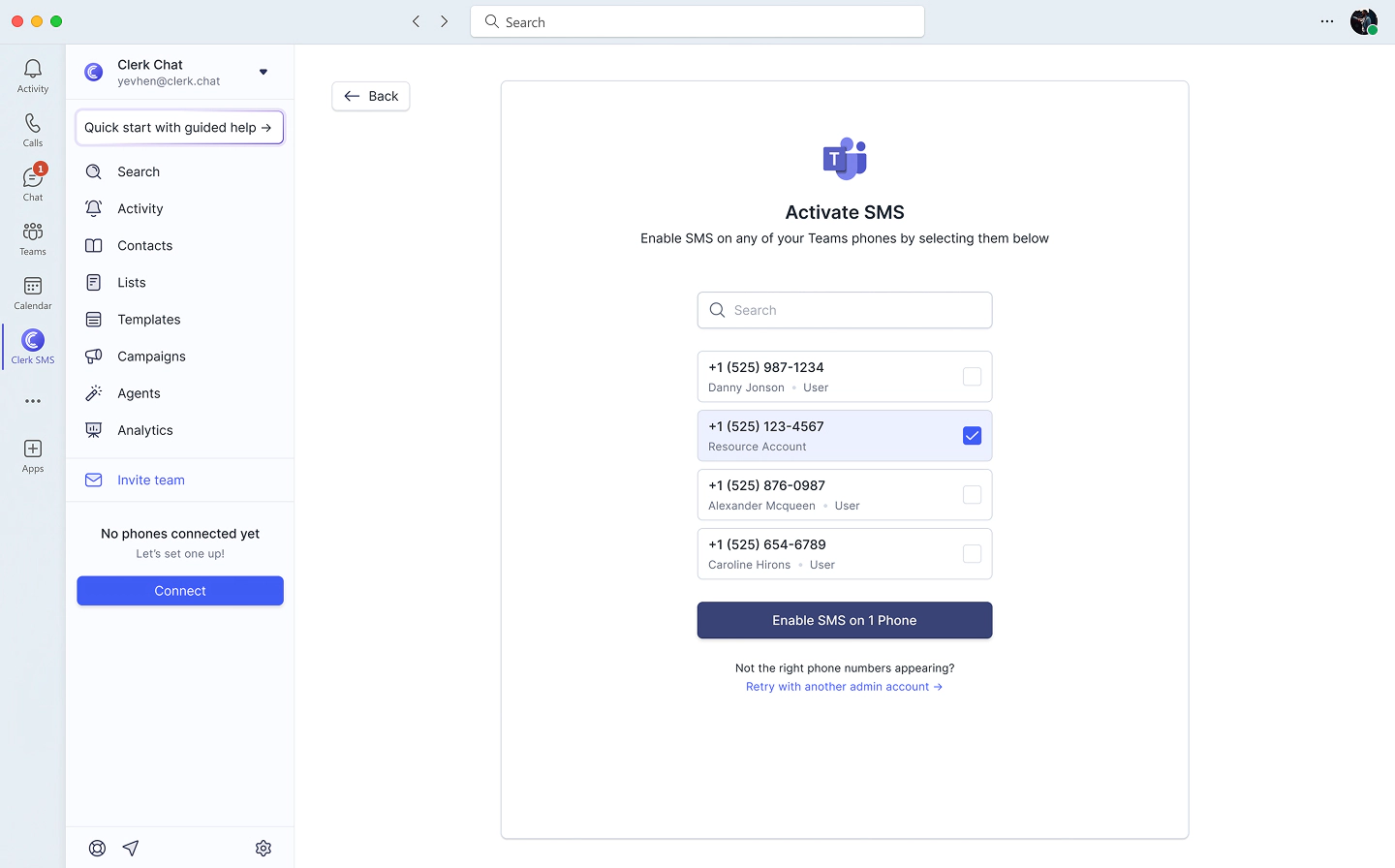
Once the brand and campaign are approved, you enable SMS on individual assigned numbers. Activation is typically quick once approval lands. From there, users send a text the same way they start a chat: new message, type the phone number, write the text, hit send.
Detailed per-message usage shows up in the Teams admin center under Analytics & reports.
Teams Phone SMS Pricing: What a Message Actually Costs
Pricing for native Teams SMS is per message segment, not per message. A segment is 140 bytes, or 160 standard GSM 7-bit characters. Write a 240 character text and you have sent two segments, and you get billed for two.
Microsoft’s published per-segment rates:
| Region | Send | Receive |
|---|---|---|
| United States and Puerto Rico | $0.0075 USD | $0.0075 USD |
| Canada | $0.01028 CAD | $0.01028 CAD |
Note that inbound messages cost the same as outbound. Your customers replying to you is a billable event.
Each Calling Plan also includes a small allotment of messages before overages start:
| Teams Calling Plan | Included SMS segments |
|---|---|
| Pay-as-you-go | 0 |
| Domestic 120 | 100 |
| Domestic | 200 |
| Domestic + International | 200 |
| Teams Phone + Calling Plan bundle | 200 with the Domestic bundle, 0 with the pay-as-you-go bundle |
Those allotments are pooled at the tenant level across users on identical plans, which softens the math. One hundred users on a Domestic Calling Plan create a shared pool of 20,000 segments per billing period. Anything past that is billed per message.
Two things inflate the real number. First, carrier surcharges. US, Puerto Rico, and Canadian 10DLC operators add a per-segment processing fee on top of Microsoft’s rate. For outbound messages the recipient’s carrier sets the surcharge; for inbound, the sender’s carrier does. Those fees are covered inside your included allotment, but once you hit overage they stack on top of the usage fee. Second, no throttle exists. Microsoft is explicit that there is no policy governance to limit how many messages a user sends or receives, so a single enthusiastic sales rep can run through pooled capacity without any admin guardrail.
For a broader view of how per-segment billing plays out across providers, see our text messaging pricing comparison.
The Real Limits of Native Teams SMS Texting
This is the section that decides your architecture. None of these are secrets, they are just scattered across Microsoft’s documentation in places most people never read.
1. Calling Plan numbers only. Direct Routing and Operator Connect numbers are out. If you chose either of those to get better rates, international coverage, or carrier flexibility, native SMS does not reach your numbers.
2. One-to-one chat only. SMS in Teams is supported in 1:1 conversations. There is no group SMS, which means no group texting with a customer and their spouse, their broker, or their case manager.
3. No MMS, no attachments. MMS, attachments, emojis, stickers, and GIFs are not supported. No photo of the damaged part, no signed PDF, no screenshot. For field service, healthcare, and logistics teams, this alone is disqualifying.
4. No toll-free, short codes, or alphanumeric sender IDs. Teams Calling Plans support 10 digit long codes only. If your brand sends from a toll-free number or a short code today, you cannot bring that to native Teams SMS.
5. One brand and one campaign per tenant. A holding company with five distinct brands cannot register five campaigns. Everyone texts under one registered identity and one declared use case.
6. Forty-nine numbers by default. A campaign supports enabling up to 49 Calling Plan numbers for SMS out of the box. Beyond that you have to work through Microsoft to expand.
7. North America only. US, Puerto Rico, and Canada. Nothing else, on either end of the conversation.
8. No GCC. SMS in Teams is available in public clouds only, not GCC. Government customers are excluded.
9. Rate limits you do not control. Carriers throttle by brand tier and campaign use case, and the recipient’s carrier enforces the limit. AT&T caps low-volume UCaaS senders at 75 messages per minute per campaign, rising to 240, 2,400, or 4,500 depending on brand class. T-Mobile caps low-volume senders at a fixed 2,000 messages per day per brand, rising to 10,000, 40,000, or 100,000 by tier. Getting a lift means opening a ticket with Microsoft’s Telephone Number Services desk.
10. Basic tooling. There are no templates, no scheduling, no cohorts or segmentation, no automated replies, no shared inbox assignment, and no AI. You get a chat window.
11. Slow approvals. Microsoft’s own documentation currently warns that brand and campaign processing is taking longer than usual due to request volume. Your texting go-live date is not fully in your hands.

Native Teams Phone SMS vs Clerk Chat
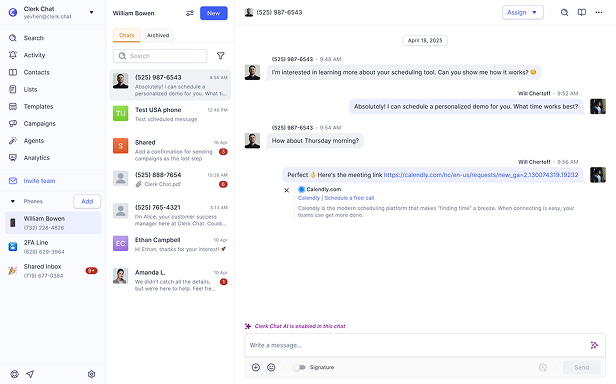
Clerk Chat is a Microsoft partner that adds full business messaging to Teams, and it takes a different route to the same inbox. Instead of requiring Microsoft Calling Plans, Clerk works with your existing numbers through Direct Routing as a service, which is why the coverage table looks different.
| Capability | Native Teams Phone SMS | Clerk Chat for Teams |
|---|---|---|
| Works with Calling Plan numbers | Yes | Yes |
| Works with Direct Routing and Operator Connect numbers | No | Yes |
| Regions | US, Puerto Rico, Canada | Global |
| MMS and attachments | No | Yes |
| RCS business messaging | No | Yes |
| Group texting | No | Yes |
| Toll-free and landline texting | No | Yes |
| Bulk and broadcast campaigns | No | Yes |
| Templates and scheduling | No | Yes |
| AI agents and auto-replies | No | Yes |
| Shared inbox, assignment, internal notes | No | Yes |
| CRM and helpdesk integrations | No | Yes |
| Archiving and compliance integrations | No | Yes |
| Multiple brands and campaigns per tenant | No | Yes |
| 10DLC registration | Self-serve in Teams admin center | Managed, typically under 48 hours |
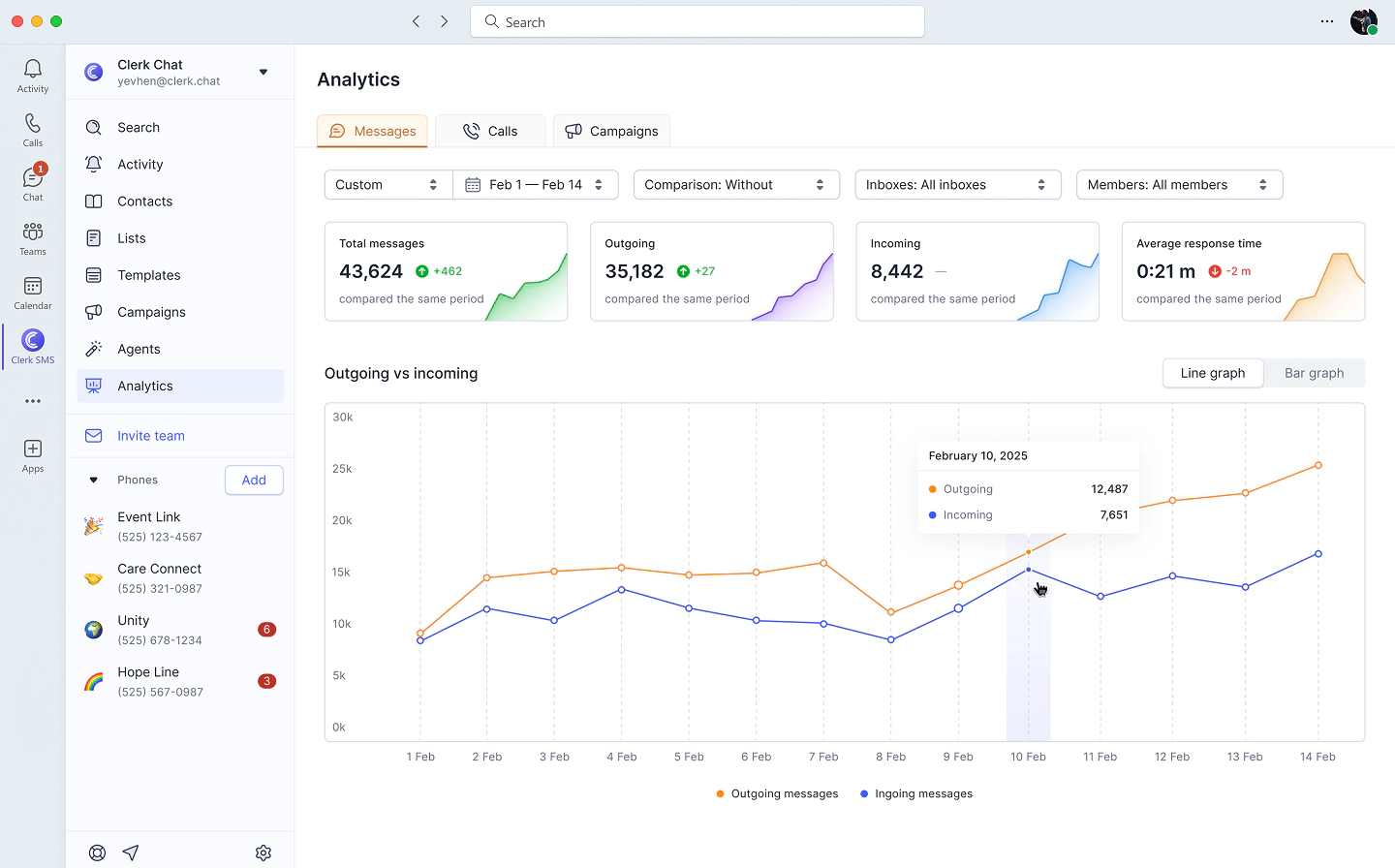
| Analytics | Usage reporting only | Full messaging analytics |
The functional gap comes down to this: native SMS gives a Teams user a text field. A platform gives your business a messaging channel, with the compliance, automation, and reporting that a channel requires.
Who Native Teams SMS Is Actually Right For
It is a real fit for a specific profile. Native Teams Phone SMS makes sense if you are already on Microsoft Calling Plans, operate only in the US or Canada, have fewer than 49 people who need to text, send low volumes of plain text in 1:1 conversations, and have no requirement for images, group threads, automation, campaign sends, or per-brand separation.
Plenty of small operations fit that description, and for them the answer is to register the brand, register the campaign, enable the numbers, and move on.
It stops working when any of the following is true:
- Your numbers came from Direct Routing or Operator Connect
- You have customers, staff, or offices outside North America
- Anyone needs to send or receive a photo, PDF, or screenshot
- You need to text groups, not just individuals
- You run marketing, reminders, or conversational AI for sales sequences at volume
- You are in a regulated industry and need text message archiving through Purview, Smarsh, or Global Relay
- You are a GCC tenant
- You operate more than one brand
- You need texting live this quarter, not whenever approvals clear
Adding Full Business Texting to Microsoft Teams
The practical path for most organizations is to keep Teams as the interface and put a messaging platform behind it. Users never leave the app they already have open. IT gets the capabilities native SMS does not offer.
With Clerk Chat, that looks like:
- Your existing numbers, texting enabled. Whether they arrived via Calling Plans, Direct Routing, or Operator Connect, and whether they are mobile, landline, or toll-free. Our guide to landline texting covers the numbers most platforms cannot touch.
- SMS, MMS, RCS, and WhatsApp. Including RCS business messaging with verified sender branding, read receipts, and rich cards, which is where A2P messaging is heading. Our RCS vs SMS comparison explains what changes when you upgrade the channel.
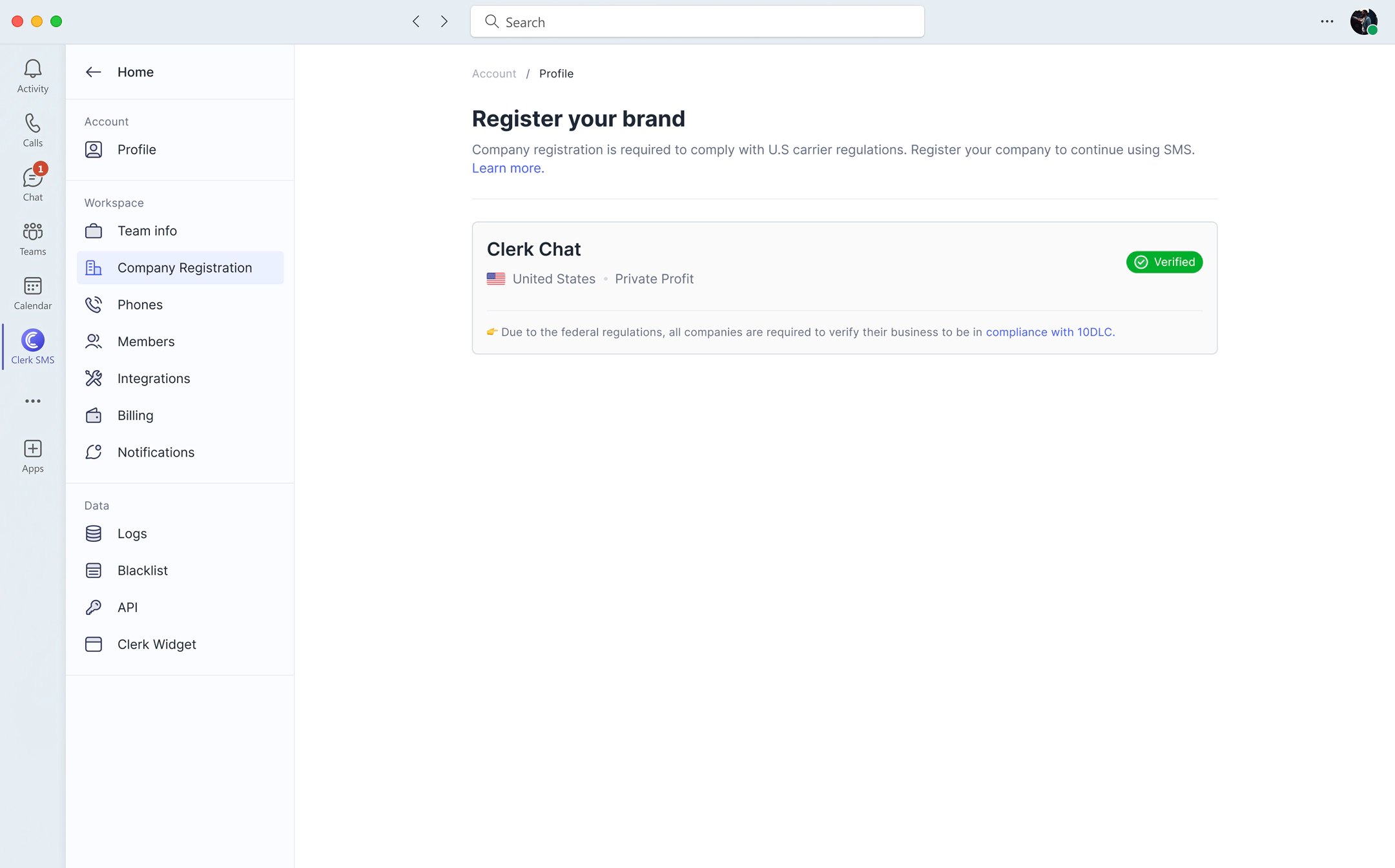
- Managed 10DLC registration. Brand and campaign handled for you, typically inside 48 hours, with support through carrier questions instead of a rejection email and a guess. Read more in our notes on 10DLC SMS compliance.
- Real messaging operations. Mass texting, scheduling, templates, dynamic cohorts, two-way text messaging, shared inboxes with assignment, and AI-powered SMS agents that answer common questions from your knowledge base after hours.
- Compliance you can defend. SOC 2 Type 2, encryption in transit and at rest, granular permissions, and archiving integrations including Microsoft Purview.
- Internal messaging too. Internal SMS reaches frontline and deskless staff who do not have a Teams license at all.
Frequently Asked Questions
Can you send SMS with a Teams phone number?
Yes, if the number is a Microsoft Calling Plan number in the US, Puerto Rico, or Canada, the user is Teams Phone licensed and voice enabled, and your tenant has an approved TCR brand and campaign. Numbers provisioned through Direct Routing or Operator Connect are not covered by native Teams SMS, though a platform like Clerk Chat can enable texting on them.
How do I receive SMS on a Teams phone number?
Inbound texts to an SMS-enabled Calling Plan number arrive in the recipient’s Teams chat list, on desktop and mobile, as a normal conversation thread. Inbound messages are billed at the same per-segment rate as outbound.
How do I enable SMS in the Teams admin center?
Register your brand, register your campaign, and then enable SMS on assigned numbers. All three steps happen in the Teams admin center, and the first two go to The Campaign Registry for approval before the third becomes available.
Does Microsoft Teams support MMS?
Not natively. MMS, attachments, emojis, stickers, and GIFs are not supported in native Teams SMS. Sending images and files from a Teams number requires a third-party messaging platform.
Is native Teams SMS available outside the US and Canada?
No. Support covers the United States, Puerto Rico, and Canada, and the recipient number must be regionally assigned to the US or Canada as well. Global texting from Teams requires a partner solution.
How much does Teams Phone SMS cost per message?
$0.0075 USD per segment to send or receive in the US and Puerto Rico, and $0.01028 CAD per segment in Canada, plus carrier surcharges once you exceed your pooled allotment. A segment is 160 GSM characters, so longer messages cost more than one message.
Can I use a toll-free number for Teams SMS?
Not with native Teams SMS. Teams Calling Plans support 10 digit long codes only, with no support for toll-free numbers, short codes, or alphanumeric sender IDs.
Is SMS in Teams available for GCC tenants?
No. SMS in Teams is currently supported in public clouds only, and GCC is excluded.
The Bottom Line
Microsoft shipping SMS for Teams Phone is a legitimate step forward, and it validates something we have argued for years: the place your team already works is the right place to talk to customers. Native texting simply arrives with a narrow set of conditions, and a feature set that stops at plain text between two people in North America.
If that describes your business, use it. If it does not, you do not have to give up the Teams interface to get past those limits. You just need something better running behind it.
Want to see what that looks like on your own numbers? Book a demo and we will walk through your setup, your registration, and what texting from Teams looks like without the asterisks.
Jack works with enterprise teams bringing business messaging into the tools they already run on, from Microsoft Teams and Salesforce down to the carrier layer underneath. Most of his week is spent with IT and revenue leaders on number provisioning, 10DLC brand and campaign registration, and the compliance questions that come with regulated industries.
In this article:
- Does Teams Phone Have SMS? Yes, With Conditions
- What You Need Before You Can Send a Single Text
- How to Enable Native Teams SMS in the Teams Admin Center
- Teams Phone SMS Pricing: What a Message Actually Costs
- The Real Limits of Native Teams SMS Texting
- Native Teams Phone SMS vs Clerk Chat
- Who Native Teams SMS Is Actually Right For
- Adding Full Business Texting to Microsoft Teams
- Frequently Asked Questions
- The Bottom Line
Ready to use your business number for text messaging?
Thousands of businesses are already experiencing the power of conversational messaging through SMS. Join us. Free trial and paid tiers available.
Get Started#Subscribe
Get product updates in your inbox
Tutorials, features, and Clerk Chat news delivered straight to you.