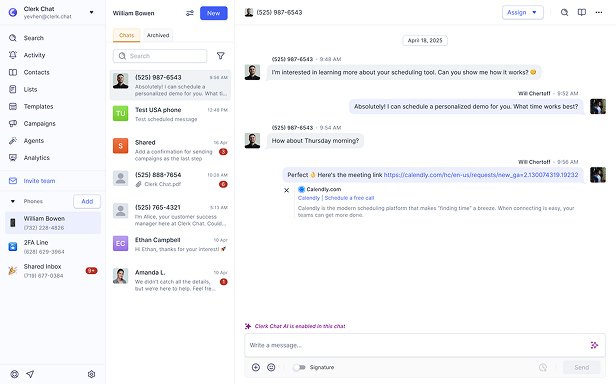













Clerk Chat Blog
Learn all about business communications with our industry-leading publication. With insights on telecom, SMS and AI.
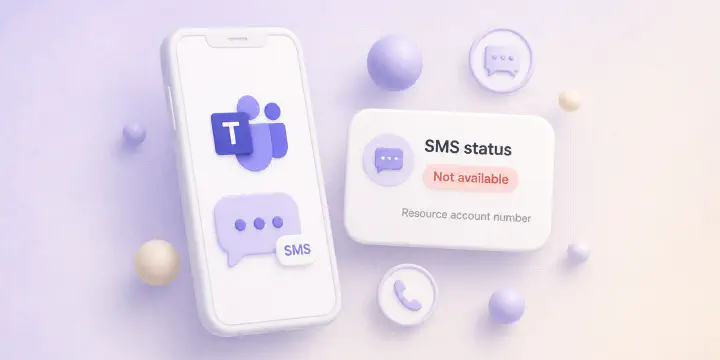
Texting Not Available in Teams: What Causes It
Troubleshooting the SMS status Not available message in Teams admin. Why it shows on your number due to Calling Plans, Operator Connect, resource accounts, or region restrictions.
Read the Article September 8, 2026
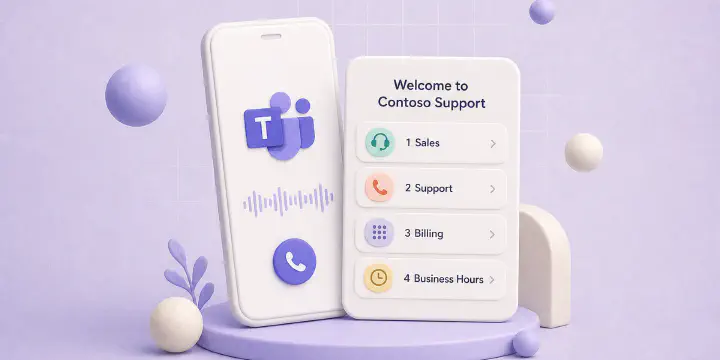
Teams Phone Auto Attendant: Shared Voicemail, Menus, and Native Limits
Microsoft added auto attendant shared voicemail to the Teams Queues app in August 2026. Setup, Teams Premium requirements, and why the AA number still cannot SMS.
Read the Article
September 1, 2026
Teams Phone Call Queues: Automatic Recording, Transcription, and Native Limits
Microsoft added automatic recording and transcription for Teams Phone call queues in August 2026. Native limits, licenses, and why a queue number still cannot SMS.
Read the Article
August 25, 2026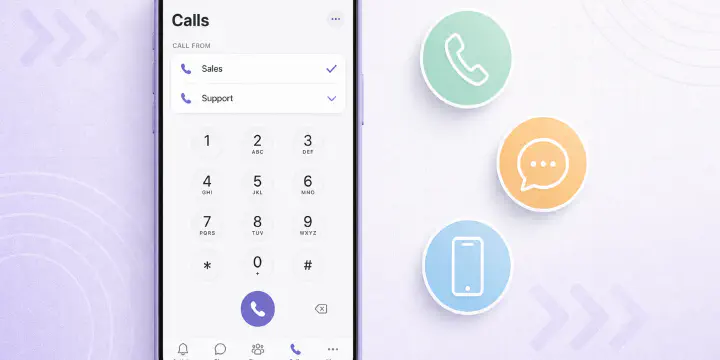
Teams Phone Multiple Phone Lines on Mobile: iOS and Android Guide
Microsoft Teams Phone now supports multiple phone lines on mobile (iOS and Android). Learn which users get multi-line calling, how to manage numbers, and what this means for Teams Phone deployments.
Read the Article
August 21, 2026
Sending a Text in Teams: What Microsoft Supports Today
Teams can send texts, but only on Calling Plan numbers in the US, Puerto Rico and Canada. Here's what works natively and what doesn't.
Read the Article
July 14, 2025
How to Enable SMS Notifications in Microsoft Teams with Clerk Chat
Learn how to use Clerk Chat to enable SMS Notifications in Microsoft Teams, improve team productivity, and enhance customer service in this simple guide.
Read the Article
September 20, 2024