









Microsoft Teams Operator Connect
Bring your existing carrier or use Clerk Chat as your Microsoft Teams Operator Connect provider. Enable PSTN calling, SMS, and business messaging in Teams - no SBC required, setup in minutes.
Operator Connect for Microsoft Teams
Connect your existing Operator Connect carrier or use Clerk Chat as your provider to turn Microsoft Teams into a complete business phone system with PSTN calling, SMS, and messaging - no SBC required.
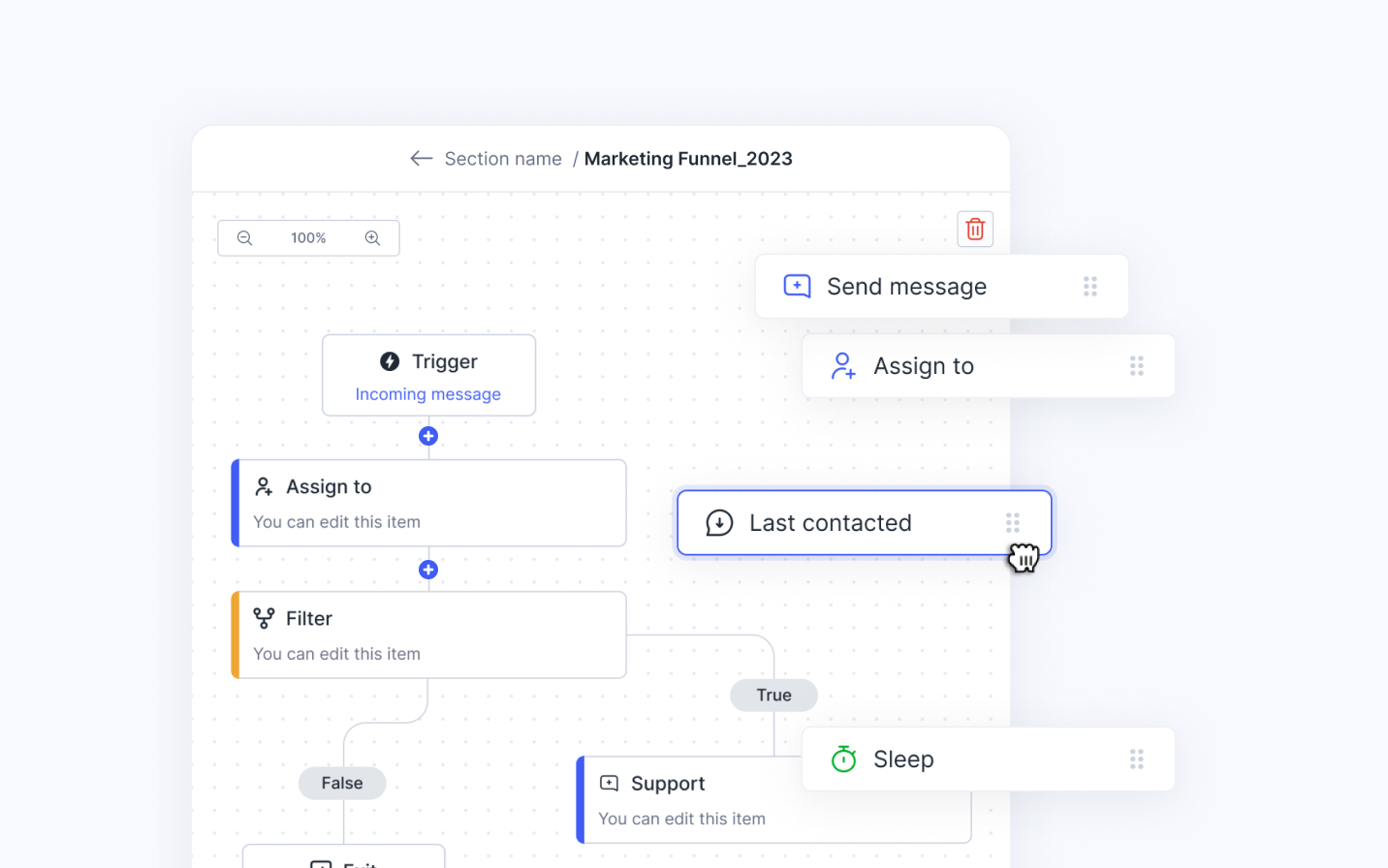
Microsoft Teams SMS
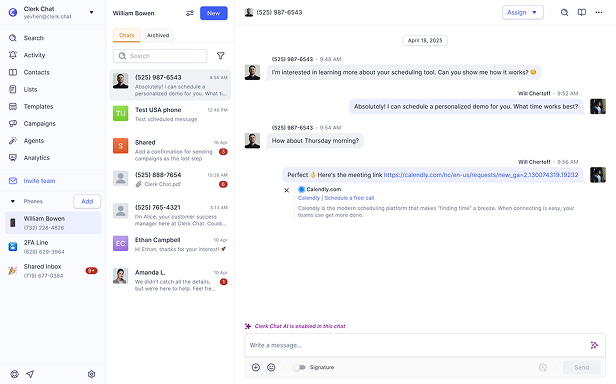
Enable SMS on your Operator Connect phone numbers directly inside Microsoft Teams. Bring your own carrier or let Clerk Chat handle it - either way, your team can send and receive text messages without leaving Teams. No separate SMS provider needed.
Get Started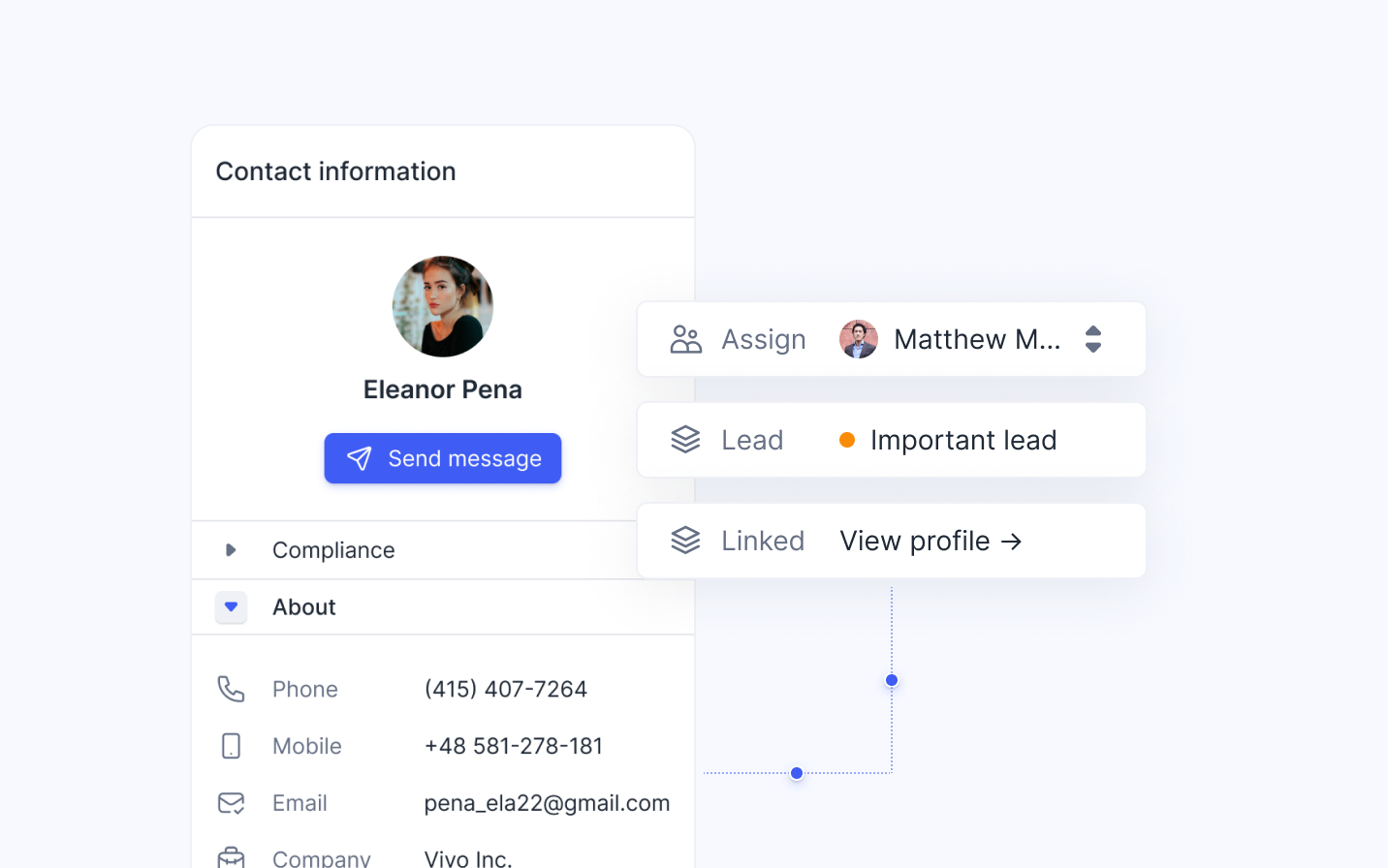
Calling in Microsoft Teams
Make and receive PSTN calls natively in Microsoft Teams through Operator Connect. Clerk Chat integrates as your Operator Connect provider or works alongside your existing carrier - with advanced features like call transfer, multilevel auto attendants, and call queues. No Session Border Controller (SBC) required.
Get Started
Features our customers love
Calling
Place and receive PSTN calls from anywhere through Microsoft Teams - on desktop, mobile, web, or desk phones. Powered by Operator Connect for carrier-grade call quality.
Text Messaging
Enable SMS and MMS on your Operator Connect phone numbers. Send and receive text messages directly inside Microsoft Teams - no separate messaging platform required.
Notifications
Never miss a message or call. All Clerk Chat SMS and calling notifications work with Microsoft Teams' native notification system across every device.
#OperatorConnectCarriers
Bring Your Own Carrier or Use Clerk Chat
Already have an Operator Connect carrier? Connect it to Clerk Chat and enable SMS in Microsoft Teams. Don't have one yet? Use Clerk Chat as your Operator Connect provider - we handle carrier setup, number management, and porting.
See all Carriers Telnyx
Offers a global private network that allows for high-quality communications with no disruptions or delays.
 Bandwidth
Provides cloud-ready voice, messaging, and emergency service connectivity built for the enterprise and Microsoft Teams.
 Sinch
SinchSeamless, integrated Microsoft Teams calling. Turn Teams into a business phone system by enabling PSTN connectivity.
 Twilio
Enable your Twilio phone number for calling and SMS in Microsoft Teams and consolidate communication.
 Verizon
Verizon VoIP for Operator Connect couples Microsoft Teams Phone System making it easy to place voice calls.
 Fusion Connect
Comprehensive Managed Service Provider dedicated to mid-market and enterprise customers.
 Access4
Integrate Access4 using Microsoft Operator Connect and enable SMS and WhatsApp on your existing phone numbers.
 AIS
AISAIS is a leading telecommunications company in Thailand, providing mobile, broadband, and digital services to millions of customers.
PSTN Calling Features in Microsoft Teams


Essential tools and integrations
We've built dedicated integrations to help you connect Clerk with your existing systems such as Microsoft Dynamics, Outlook, Salesforce and CSV.
Browse all Integrations
Microsoft Dynamics
Integrate with the leading CRM natively built for Microsoft Teams. Send messages to lists and groups to drive revenue.

MS Outlook
One click to sync. Instantly pull in all your contacts and their key information like birthday, department, role etc.

Salesforce
The fastest growing calling platform in the world. Add super-powers to your Teams calling numbers.
Trusted by 1000+ brands














FAQ
Have questions? We've got answers.
Find what you need quickly and clearly with our most frequently asked questions.
Operator Connect is a Microsoft-managed service that lets organizations connect their telephony provider directly to Microsoft Teams through cloud-to-cloud peering. Unlike Direct Routing, Operator Connect doesn't require you to deploy or manage Session Border Controllers (SBCs). Your carrier connects to Microsoft's network directly, and you manage everything from the Teams Admin Center. With Clerk Chat, you can use Operator Connect to enable both PSTN calling and SMS messaging inside Teams.
Operator Connect and Direct Routing both enable PSTN calling in Microsoft Teams, but they differ in complexity and management. Direct Routing requires your organization to deploy and maintain Session Border Controllers (SBCs), manage SIP trunks, and handle certificate management - which demands specialized telephony expertise. Operator Connect eliminates that overhead: your carrier peers directly with Microsoft's cloud, so there's no SBC to manage, faster deployment, and simplified administration through the Teams Admin Center. Operator Connect is ideal for organizations that want carrier-grade calling without the infrastructure burden.
Microsoft Calling Plans use Microsoft as your telephony provider, while Operator Connect lets you choose your own carrier. Calling Plans are simpler to set up but offer limited geographic availability, less carrier flexibility, and typically higher per-user costs. Operator Connect gives you the freedom to bring your existing carrier relationships, negotiate your own rates, and access broader international coverage - while still being managed through the Teams Admin Center. With Clerk Chat as your Operator Connect provider, you also get SMS and messaging capabilities that Calling Plans don't include.
Yes. With Operator Connect, you can connect your existing telephony carrier to Microsoft Teams without changing providers or phone numbers. Clerk Chat makes this even easier - connect your current Operator Connect carrier and instantly enable SMS, MMS, and enhanced calling features inside Teams. You keep your carrier relationships, your negotiated rates, and your existing phone numbers.
Absolutely. Clerk Chat works as your Operator Connect provider for Microsoft Teams, handling carrier connectivity, number provisioning, and PSTN calling so your IT team doesn't have to manage telephony infrastructure. You get calling, SMS, and business messaging in Teams - with support for auto attendants, call queues, voicemail, and more. We also handle number porting if you're migrating from another provider.
No. Unlike Direct Routing, Operator Connect does not require you to deploy or manage a Session Border Controller (SBC). The carrier connects directly to Microsoft's cloud through managed peering, which means no on-premises telephony infrastructure, no SBC firmware updates, and no certificate management. This is one of the biggest advantages of Operator Connect over Direct Routing.
Setting up Operator Connect is straightforward. Select your carrier in the Teams Admin Center, consent to the connection, and assign phone numbers to your users. With Clerk Chat, the process is even simpler - we guide you through provider setup, number assignment, and SMS enablement. Most organizations are up and running within days, not weeks or months like a typical Direct Routing deployment.
Yes, you can port your existing phone numbers to Operator Connect. Whether you're migrating from Direct Routing, Microsoft Calling Plans, or a legacy PBX system, your phone numbers can be transferred to your new Operator Connect provider. Clerk Chat handles the number porting process end to end, minimizing downtime and ensuring a smooth transition for your organization.
Yes. Clerk Chat enables SMS and MMS messaging on your existing Operator Connect phone numbers inside Microsoft Teams. Your team can send, receive, and manage text messages directly in Teams - using the same numbers they already use for calling. This works whether you bring your own Operator Connect carrier or use Clerk Chat as your provider.
To use Operator Connect in Microsoft Teams, you need a Teams Phone Standard license or a Microsoft 365 E5 license (which includes Teams Phone). These licenses enable PSTN calling capabilities in Teams. The exact licensing requirements may vary by region and subscription plan - consult Microsoft's official documentation or your Microsoft representative for the most current information.


“Conversational messaging is transforming the way companies engage with customers. Start creating personalized concierge-style conversations today.”
Alexander Haque Co-Founder at Clerk Chat